Smart Web Annotations

Make marks, highlight important and draw directly on the web page. Share a link with other people, make full-size screenshots of the notes on the page, draw together in real time. DMAS (Draw, Mark and Share) is your ideal tool for productive browsing, learning, helping colleagues and friends.
DMAS Interface

Features

✏️

Simple Annotations

Highlight text, draw, and add comments directly on web pages.

💾

Auto-save

Your notes are automatically saved locally or in the cloud and synchronized between devices.

🔗

Share Links

Send links with your annotations to colleagues for quick idea exchange.

👥

Collaborative Work

Work together with colleagues on the same page at the same time, make notes in real time. Increase your team’s productivity.

📸

Screenshots

Create screenshots of pages with annotations for presentations and reports.

🔒

Privacy

Your data is secure and securely encrypted. We do not store personal information without your consent or share it with third parties.

DMAS Pro⭐

Unlock all features for professional work

  • Unlimited saved pages
  • Unlimited shared links
  • Create collaborative rooms
  • Priority technical support
  • Other great features in the future

Interface

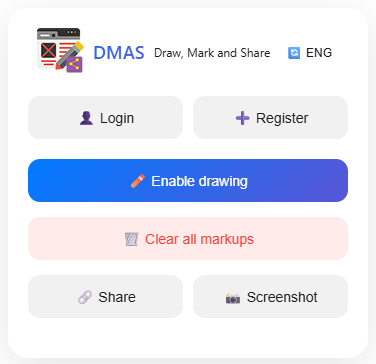
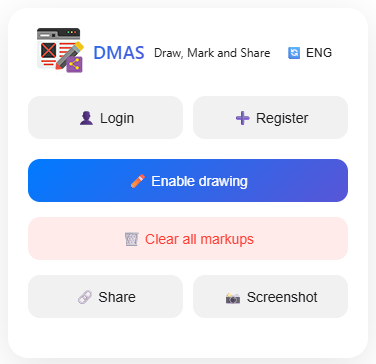
Popup Interface
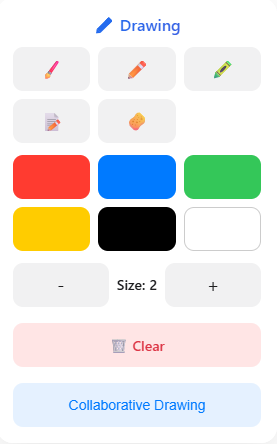
Drawing Tools
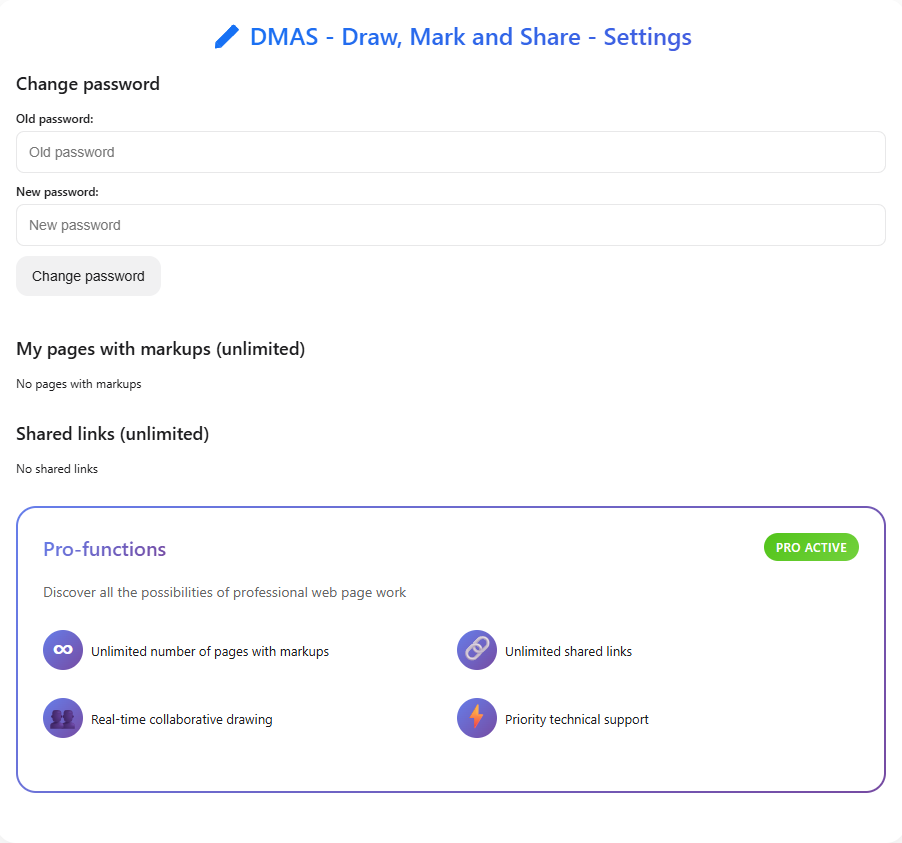
Settings Panel

Frequently Asked Questions

Go to the Chrome Web Store by pressing the "Download" button at the top of the page, on the extension page click "Add to Chrome". The extension will be installed automatically and ready to use.
Yes, we use modern encryption methods and do not store your personal information without your consent. We do not share your data with third parties.
Yes, the extension works offline and you can use it without registering an account. In this case your notes are saved locally, but when you switch to another browser or change device your notes will not be saved and synchronized.
Account registration is needed primarily to save and synchronize your records on the server, when changing device or browser all your notes will be synchronized and restored. The account will also be required to work together.
Click the "Share" button in the extension interface, the link to the page with your tags will be copied to the clipboard, you can send it to other users. The recipient will be able to see your notes by opening the link in the browser, the user must have the extension installed.
In addition to Google Chrome, all Chromium-based browsers are supported. For other browsers such as Mozilla Firefox (and browsers based on it) the extension is planned and may appear later.
Pro⭐ account gives unlimited saved pages with notes, unlimited shared links with notes and the ability to work together several users on the page at the same time, in real time. In addition, Pro ⭐ users have priority technical support.
Go to your profile settings, at the bottom of the page you will see a section with Pro description and a button. Read the rules, check the box and click the button - you will be redirected to our Telegram bot, where Pro payment takes place.
We chose this method as the most convenient and simple for the user and for us as well. In the future we plan to add alternative payment methods.
Don't worry, if you don't have Telegram Stars on your account, during the Pro payment process you will be offered to purchase the required amount directly in Telegram using convenient payment methods. Telegram Stars are purchased directly from Telegram, so you can be sure about the safety of the payment. After purchasing the required number of stars, you pay for the Pro subscription with them and it will be automatically activated on your account, no additional actions are required from you.
No, the subscription does not auto-renew after its expiration. Three days before the subscription expires, you will receive an email reminder about the subscription expiration. We recommend paying for the subscription for a long period at once, so you get a significant discount without the need for frequent subscription renewal.
No, Pro⭐ will require at least one user - who will create a shared drawing room, other users must be simply registered and authorized in the extension.
There are limits on the number of saved pages with markups, the number of shared links with markups and the inability to create a collaborative drawing room. Limits for pages and links are indicated on the profile settings page in the extension.
When the limit is reached, new pages and links with markups will overwrite older ones.

Start Working Smarter

Install DMAS right now and improve your productivity

Download